Every official HyperOS and MIUI release in one place — Recovery and Fastboot ROMs for 1,338 device variants, tracked automatically the moment Xiaomi publishes them.
Updated just now2,265 firmware builds1,338 device variants
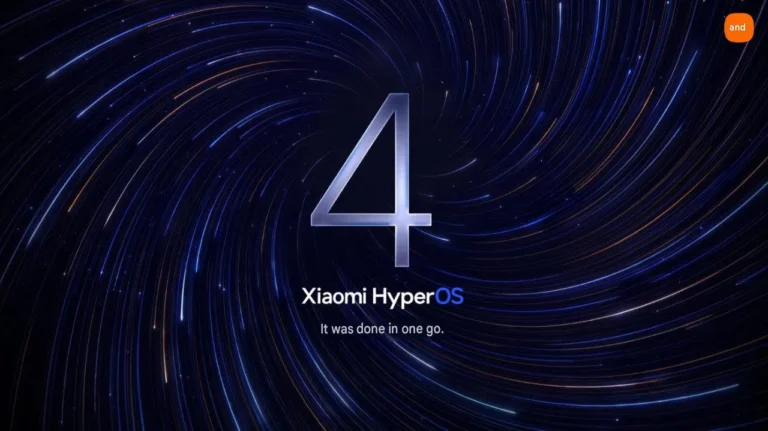
HyperOS 4 drops MIUI's legacy code entirely, adds Leica UI theming, and covers 70+ devices — but two popular phones…
Why thousands use HyperOS Update
100% official files
Every link goes to Xiaomi’s own update servers. No re-uploads, no modified ROMs — with MD5 checksums to verify.
Updated automatically
Our tracker checks for new builds around the clock, so new HyperOS releases appear here within minutes.
Every region
Global, EEA, China, India, Indonesia, Russia, Turkey, Taiwan and Japan builds — all side by side.
Recovery & Fastboot
OTA packages for in-place updates and full Fastboot images for clean installs or unbricking.
HyperOS update FAQ
What is HyperOS?
HyperOS (Xiaomi HyperOS) is Xiaomi’s operating system for phones, tablets, wearables, TVs and cars. It replaced MIUI in late 2023 and is built on Android with Xiaomi’s own lightweight kernel components for faster performance, lower memory use and seamless cross-device connectivity.
Which devices have the HyperOS 4 update?
HyperOS 4 (Android 17) has officially reached 22 device variants so far, including Redmi K100 Pro Max, Xiaomi 18 Pro, Xiaomi 18 Pro Max, Redmi K90 Ultra, Redmi K Pad 2. Our HyperOS 4 update list shows every device with an official build, its exact version and region, and updates automatically as the rollout expands.
How do I check for a HyperOS update on my phone?
Open Settings → About phone → HyperOS version and tap Check for updates. If the update hasn’t reached you yet, find your device on this site, download the official Recovery ROM and install it through the same screen using ⋮ → Choose update package.
Are the firmware files on HyperOS Update official and safe?
Yes. Every download button points to Xiaomi’s official servers (bigota.d.miui.com / ultimateota) or to verified mirrors of the same files. We never modify ROMs, and we publish the MD5 checksum for every package so you can verify the file before flashing.
What is the difference between Recovery and Fastboot ROMs?
A Recovery ROM (OTA package, .zip) is installed from the phone’s updater app and keeps your data. A Fastboot ROM (.tgz) is flashed from a PC with Mi Flash Tool, needs an unlocked bootloader and usually wipes the device — it is used to unbrick, downgrade or switch regions.
What do Stable, Stable Beta and Public Beta mean?
Stable builds are final public releases. Stable Beta builds are released to a small group of testers before the wide rollout. Public Beta and Weekly builds are early test versions that may contain bugs.
Get HyperOS updates on Telegram
Instant alerts with download links for every new release.